

Press kit
Product copy, original captures and brand assets for the first release.
The short version
KEEP what matters.
DROP the rest.
One sentence
KeepDrop is a local photo browser and review app for Mac, built around your folders.
Product introduction
Bring your folders together in one library. Browse in Flow, inspect in Focus, and open Similar from the sidebar to compare photos across folders. Synchronized zoom and pan help you inspect details. Keep decisions and Favorites are saved locally and serve different purposes. Review the summary before confirming Trash.
Brand and captures


Use the supplied mark and icon with their original geometry, colors and clear space. Do not recolor, stretch, add shadows or round the logo.
The captures below are original 1346 × 768 Chinese App windows from September 2026. They show the earlier workspace interface; updated native captures are pending.
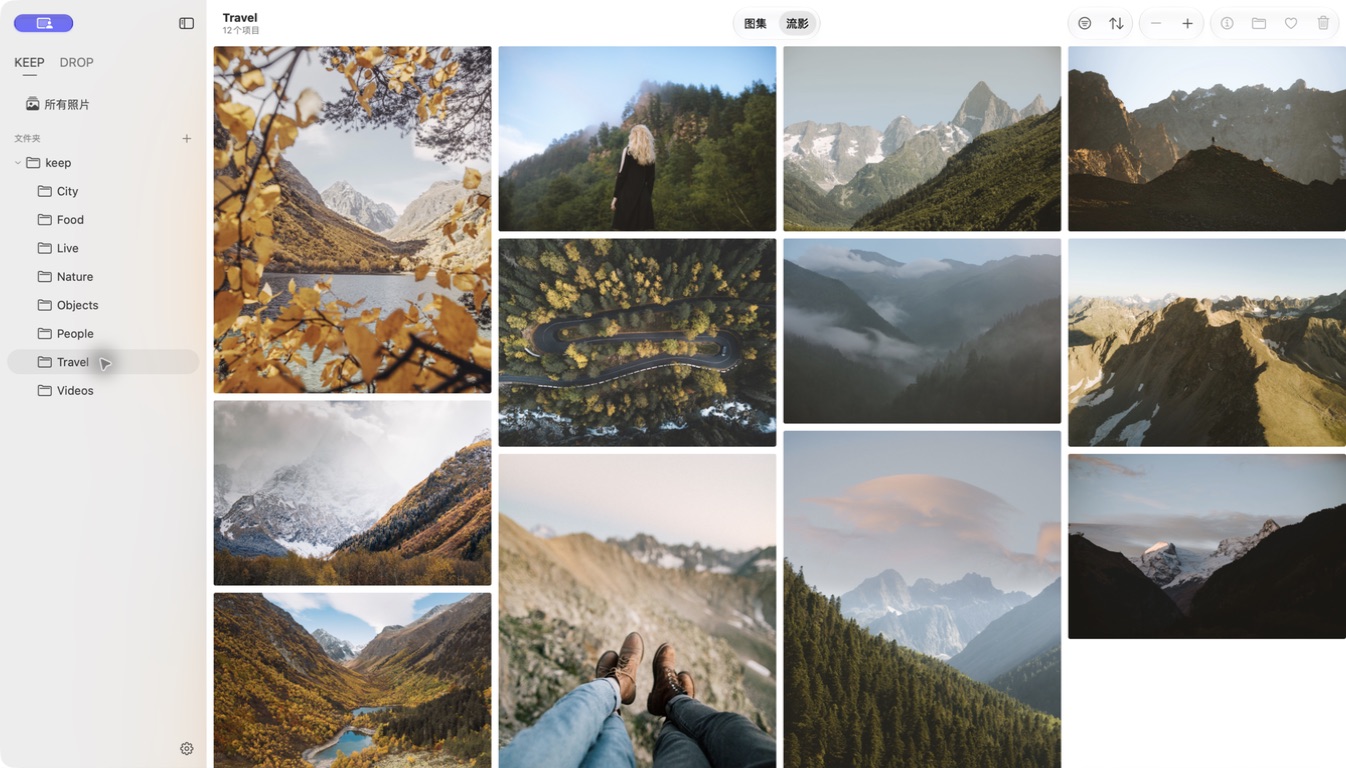
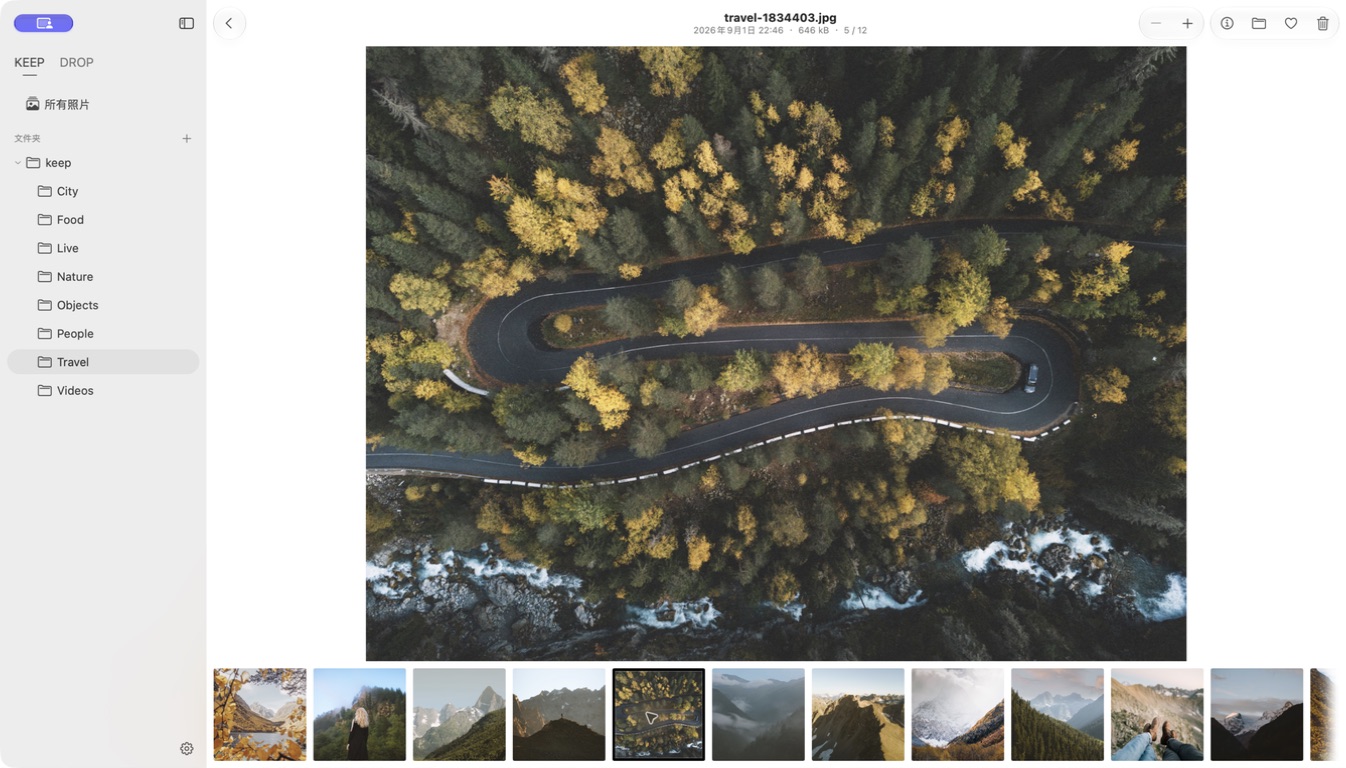
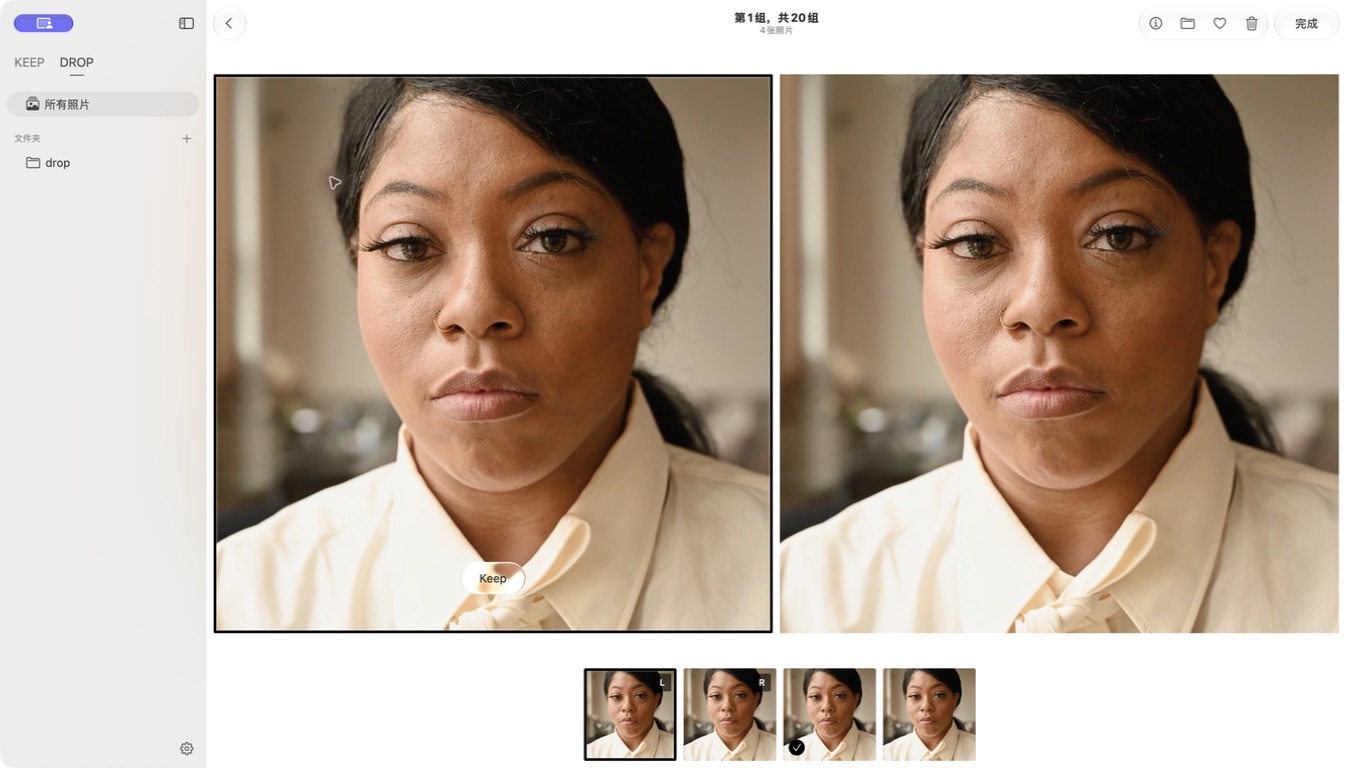
To be confirmed. The current App supports English and Simplified Chinese. New captures must use the current build with its unified library.
Film and walkthrough
Watch the product film · 41 seconds · 1080p · English captions
The film uses real English App recordings from September 2026. It shows an earlier sidebar; the current App uses one library with All, Favorites and Similar. Updated footage is still required.
Final-release walkthrough · coming later
The final-release walkthrough and updated English captures will be added after the final build is selected.
Download the preparation kit
The ZIP includes the original mark, icon and three screenshots, the share image, product copy and usage notes. It contains no App installer. The product film is available separately above.
Pre-release materials. No release date, price or availability is implied.
Release facts and contact
Target platform: Apple silicon · macOS 26+. Local folder workflow; no Apple Photos or iCloud Photos integration. Final release details are listed on the availability page.
To be confirmed. Publisher biography, press contact, launch date and public website address will be added after confirmation.
A ready-to-use share image
Download share image